How to Remove Background from an Image Online for Free
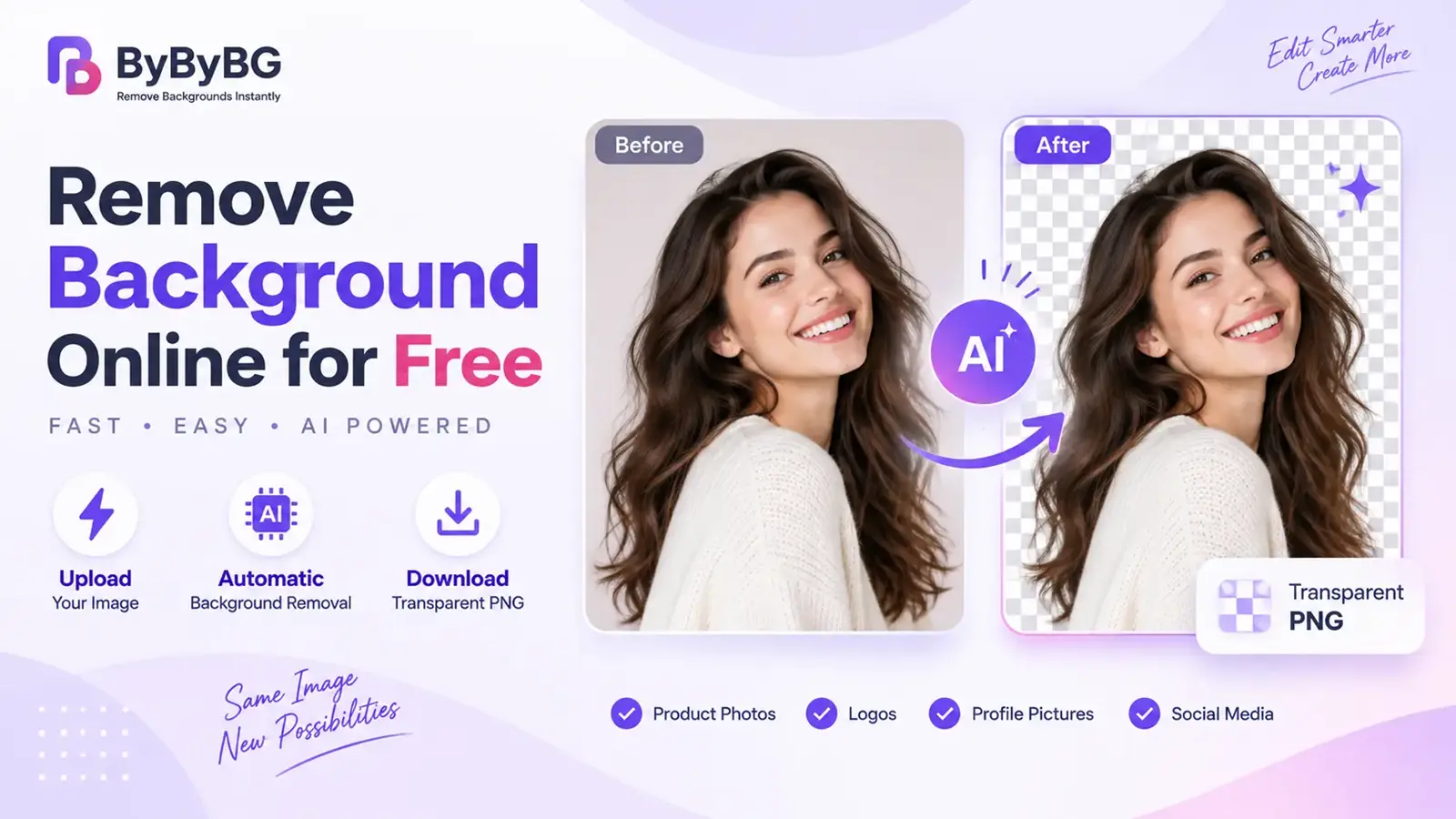
Learn how to remove the background from an image online for free using an AI background remover. Upload an image, remove the background, and download a transparent PNG without Photoshop.
Learn AI photo editing, background removal tips, image optimization, design tricks, SEO visuals, eCommerce image hacks and much more.
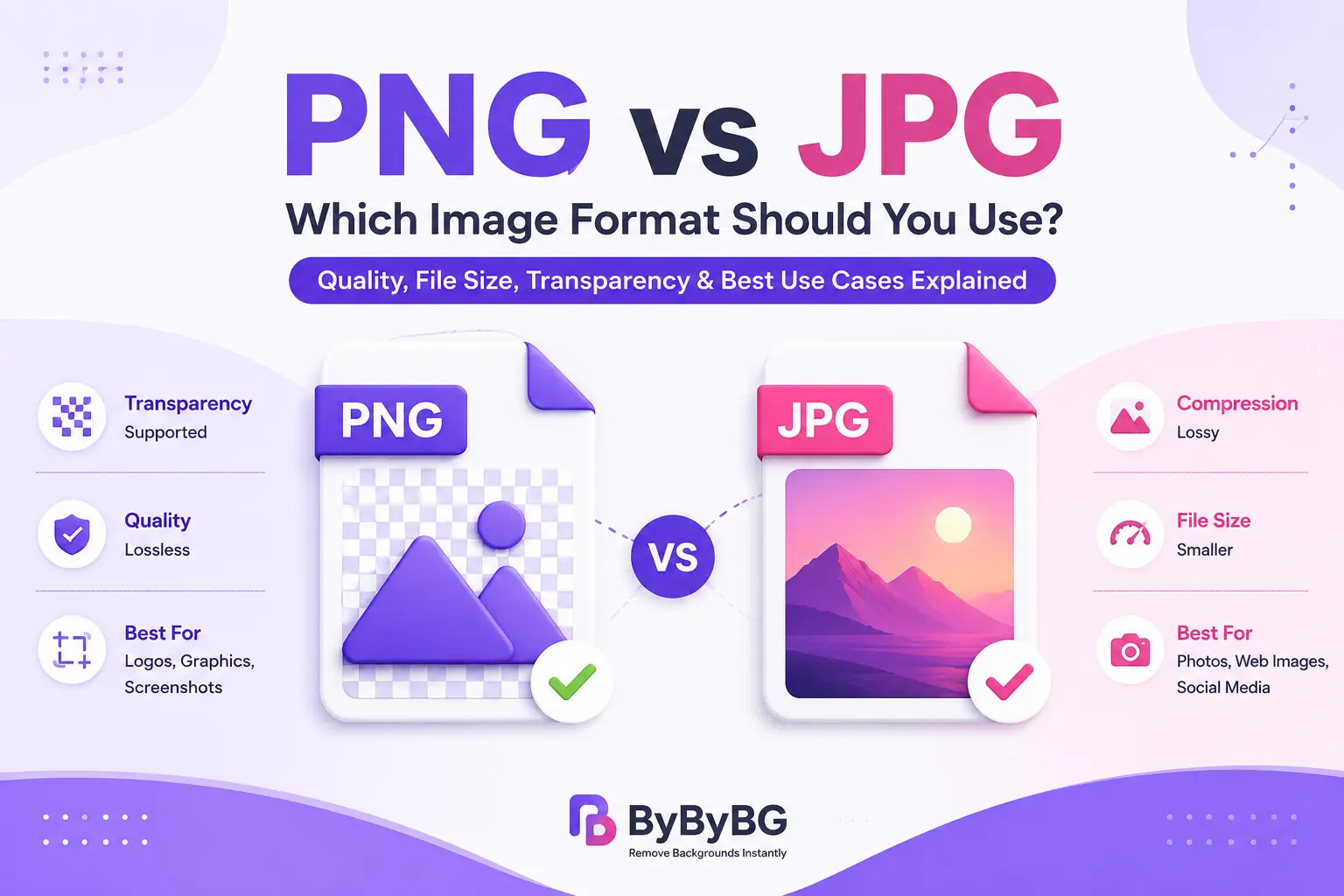
A visual comparison of PNG and JPG image formats, highlighting compression, transparency, file size, quality, and common use cases.
Read Article →Learn how to remove the background from an image online for free using an AI background remover. Upload an image, remove the background, and download a transparent PNG without Photoshop.
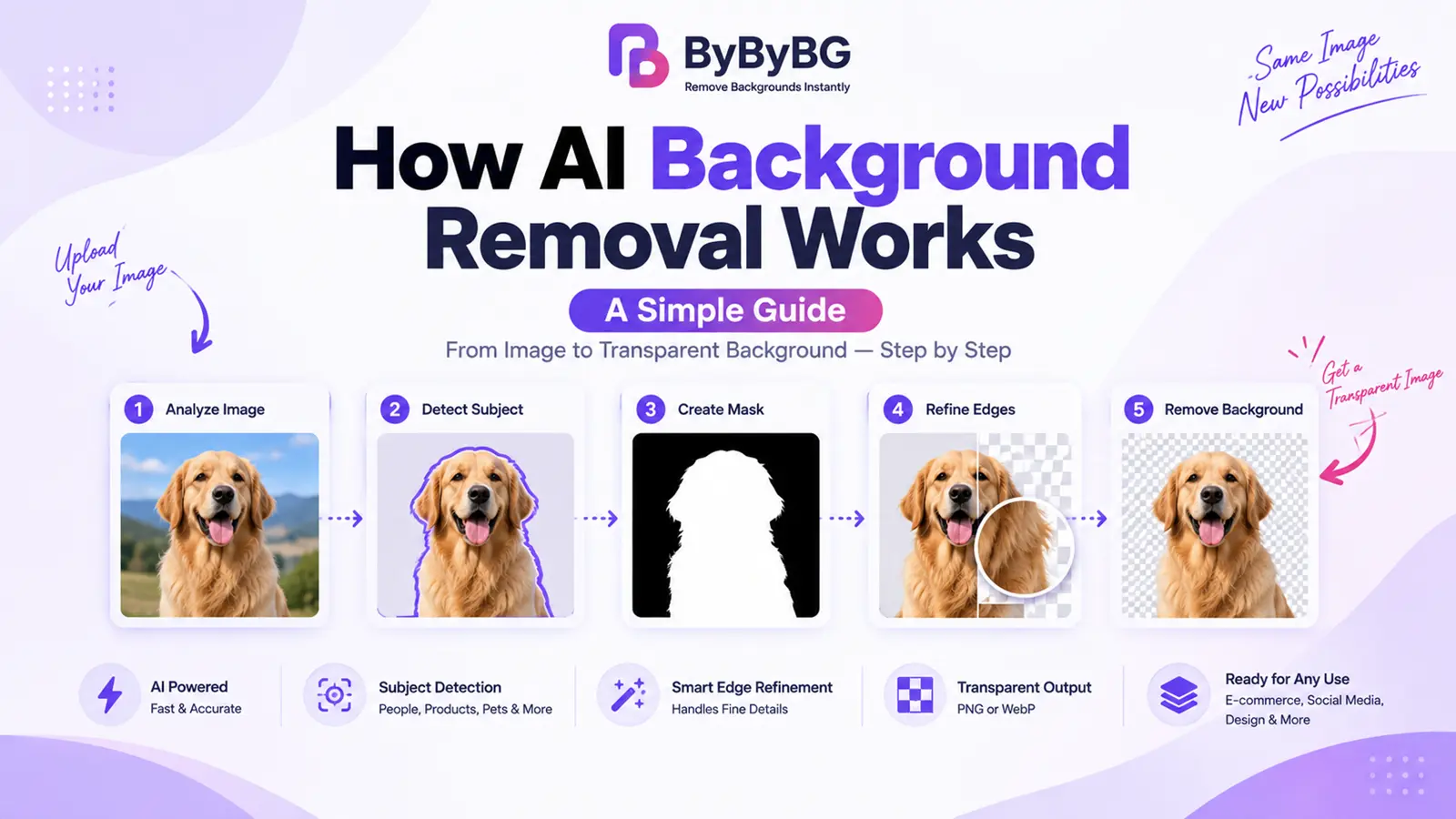
How does AI background removal work? See how AI detects subjects, separates them from the background, and creates a transparent image — step by step.
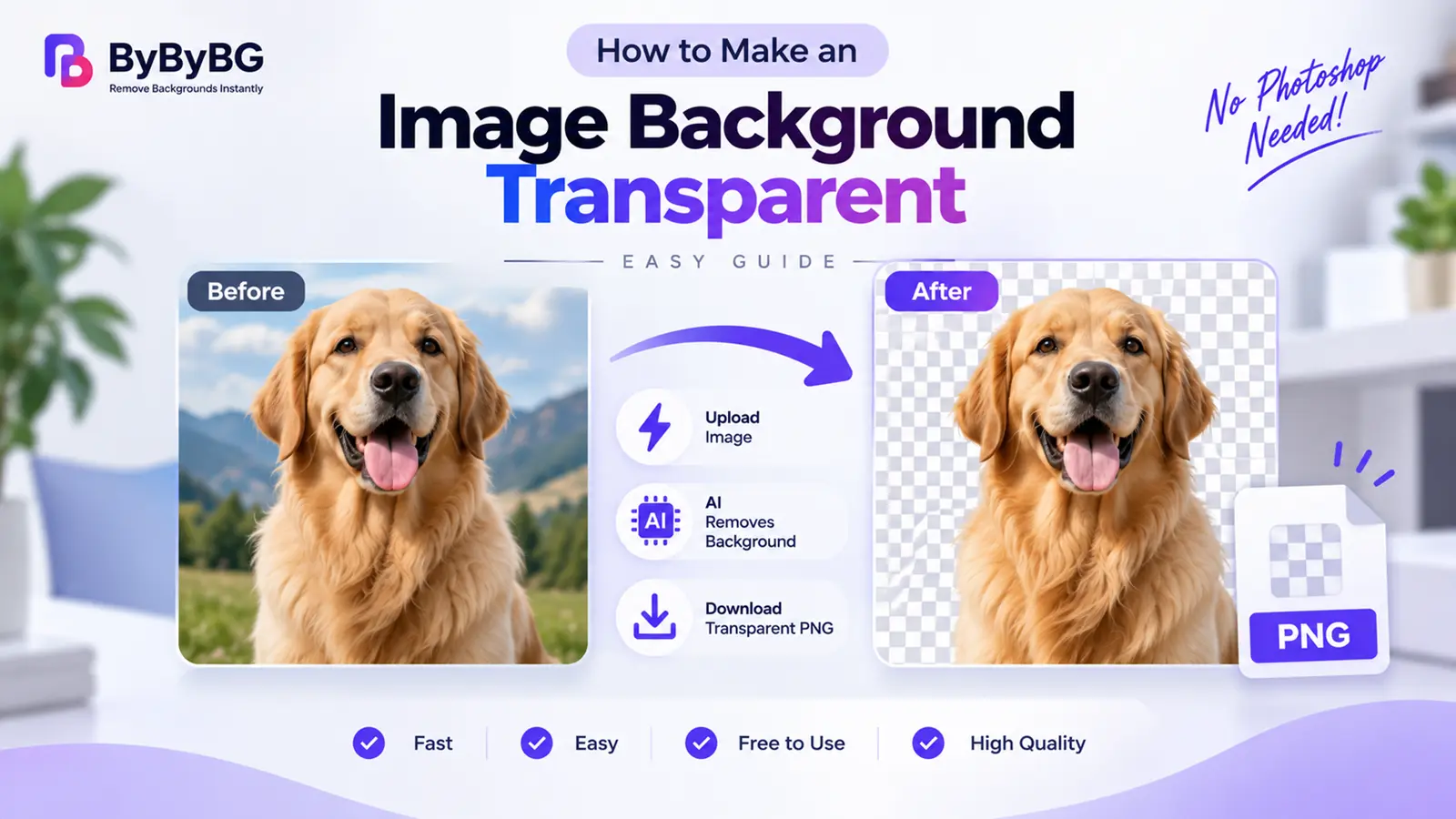
Learn how to make an image background transparent online for free. Remove the background, export as PNG, and use it anywhere — no Photoshop needed.
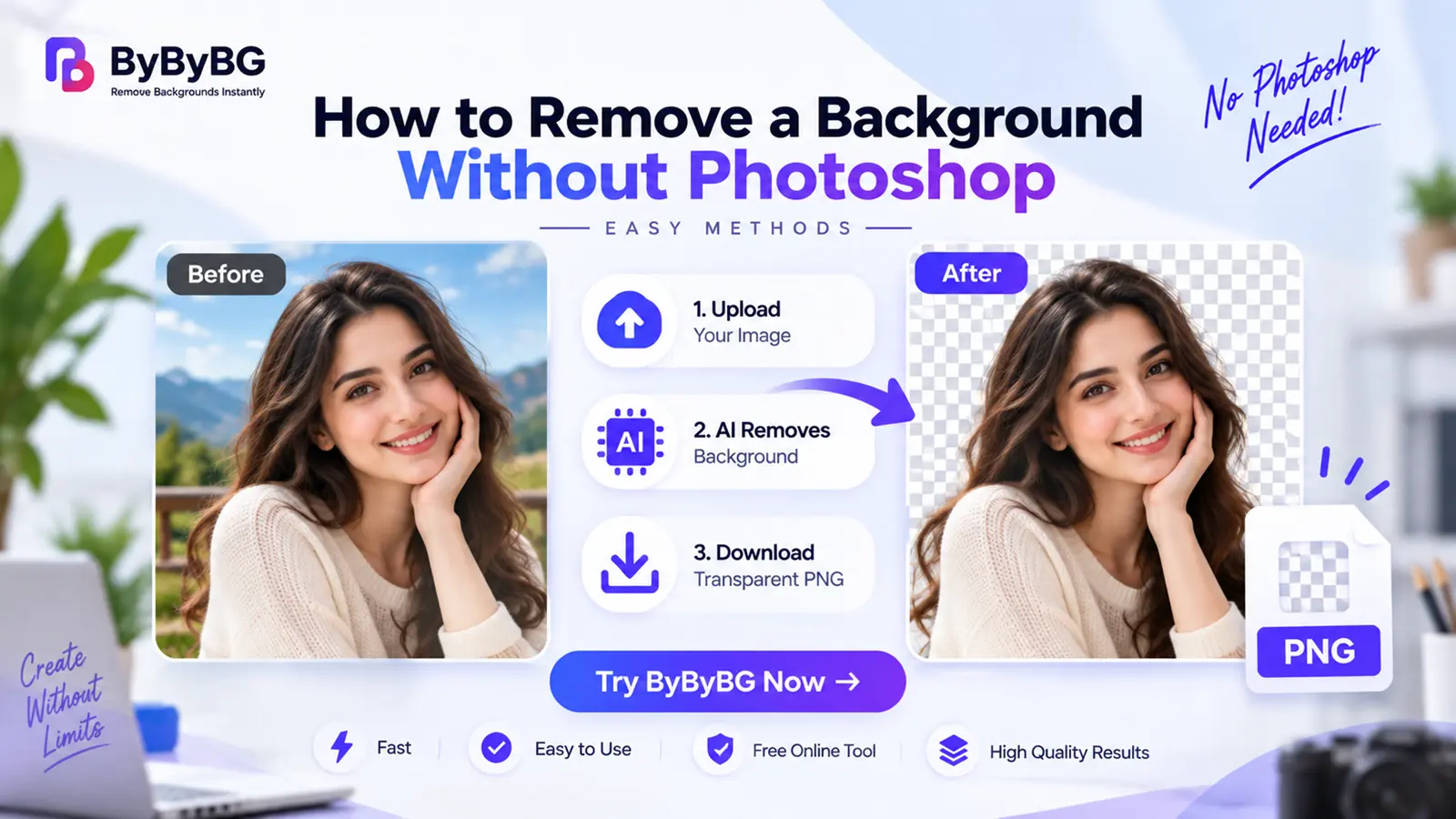
Learn how to remove a background without Photoshop using a free online AI background remover. Simple, browser-based steps — no software installation needed.
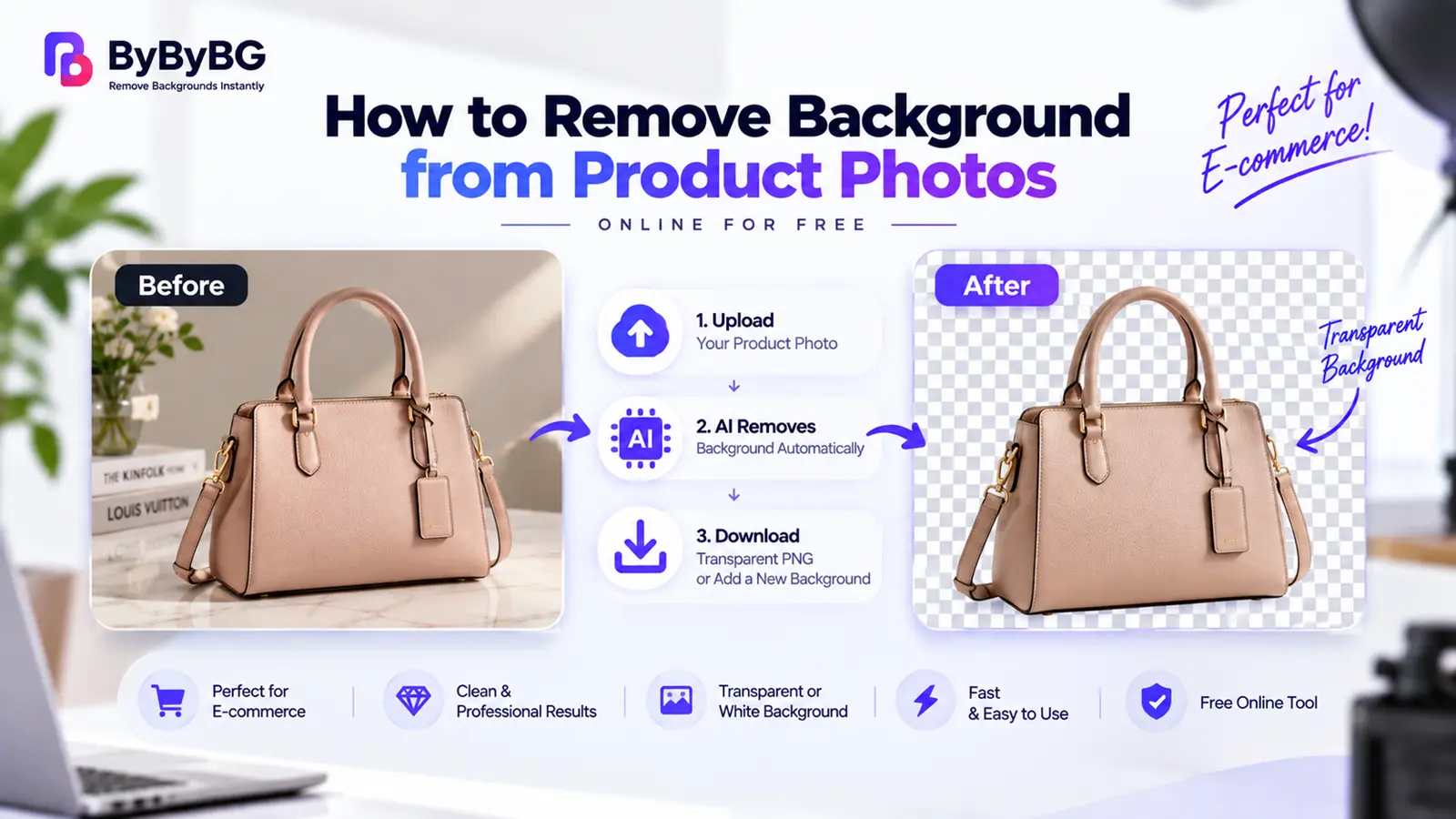
Learn how to remove the background from product photos with AI — clean cutouts for e-commerce, transparent or white backgrounds, and free online steps.
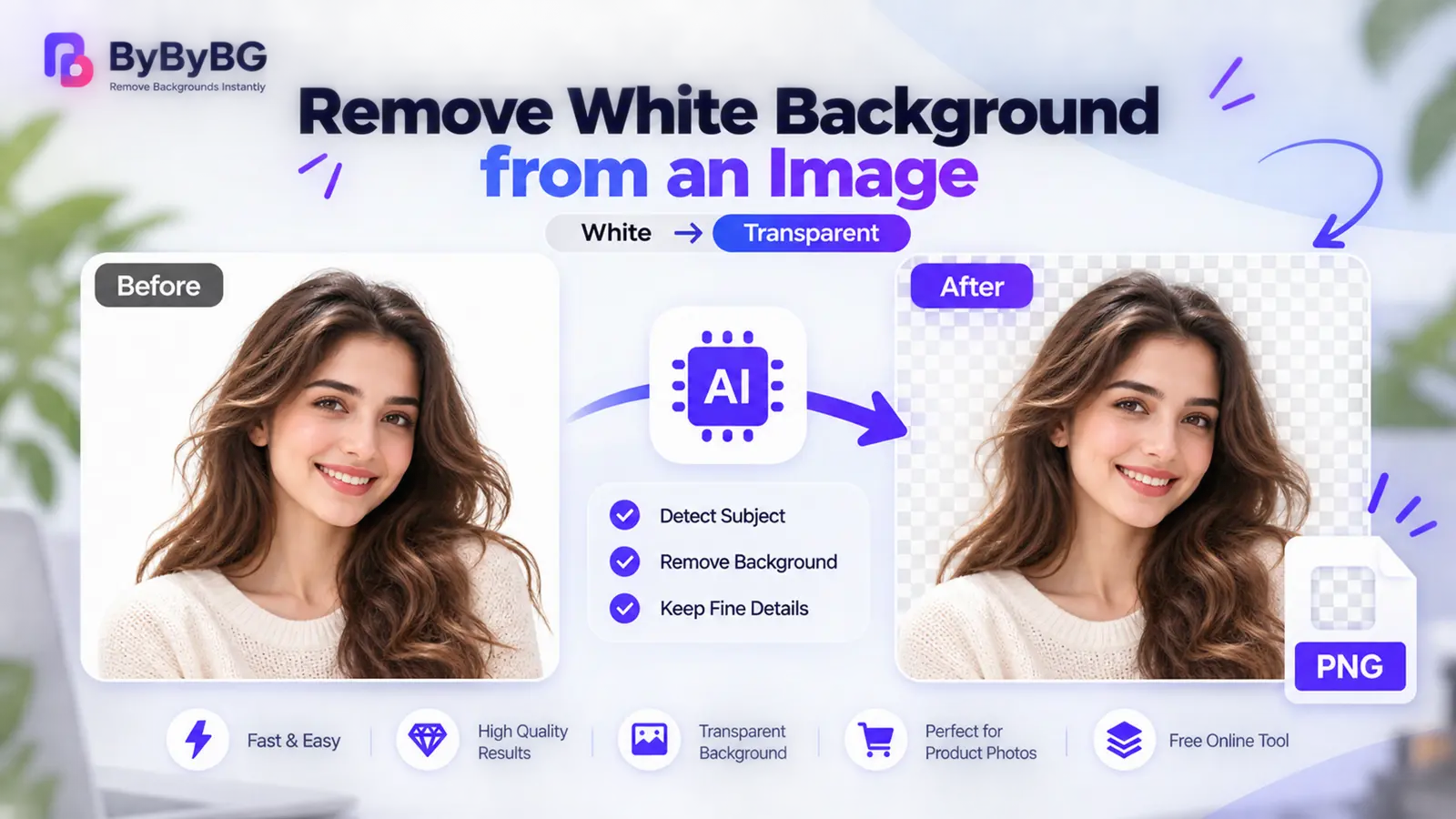
Learn how to remove a white background from an image with AI — and why subject-aware removal beats deleting white pixels. Free, online, step by step.
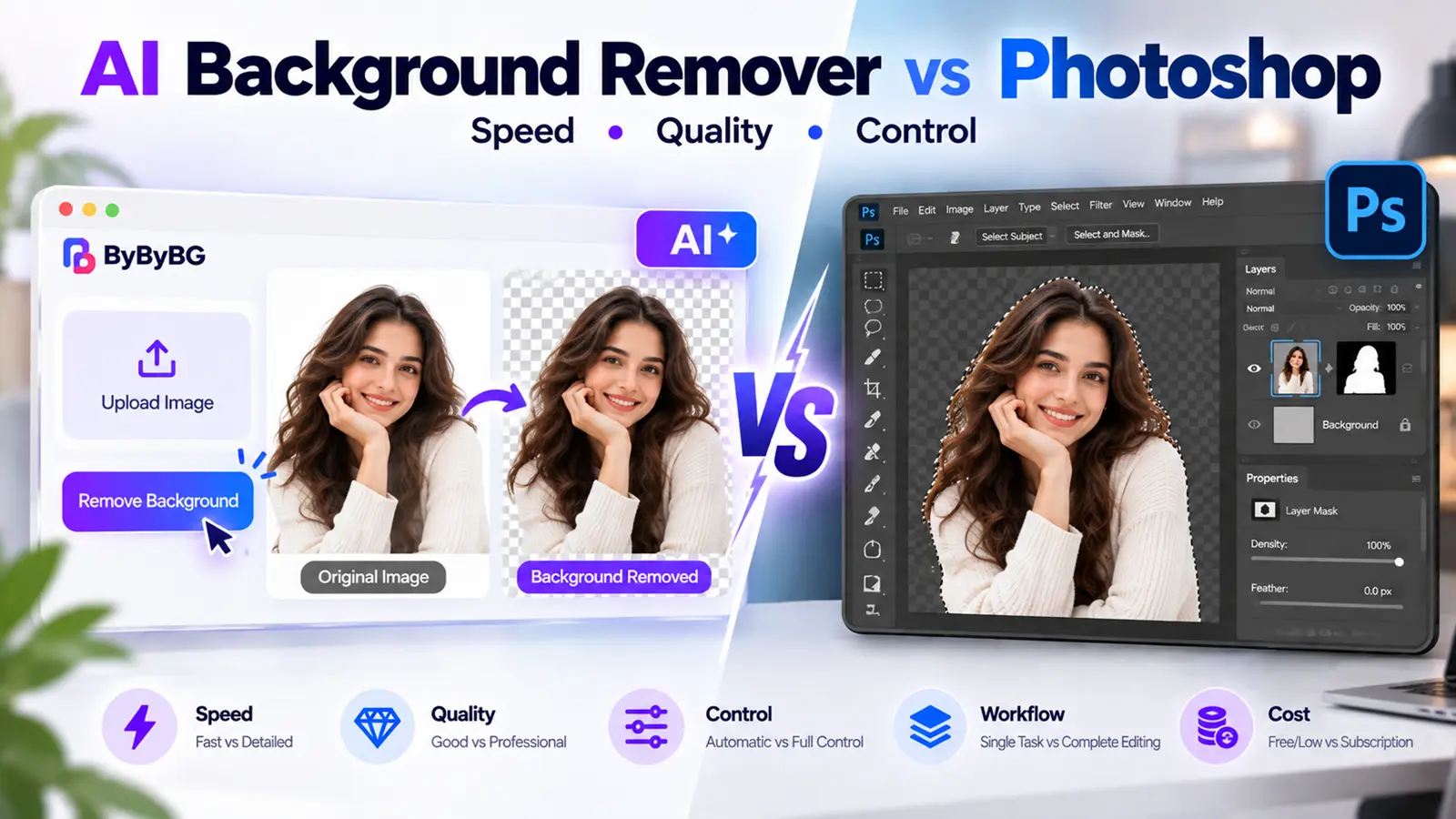
AI background remover vs Photoshop — compare speed, quality, hair and edge handling, product photos, and cost to find the right fit for your workflow.
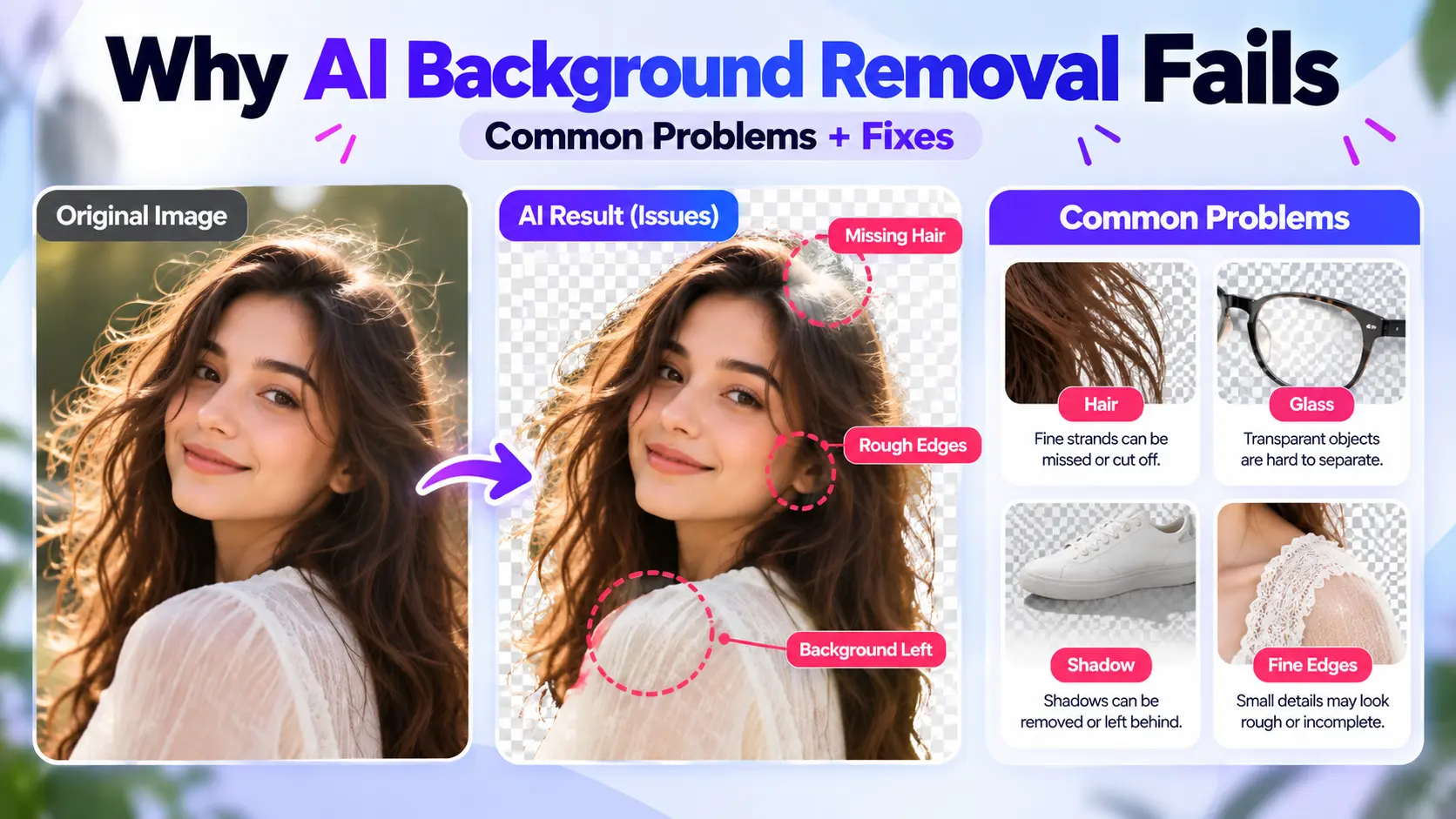
Why does AI background removal fail? See the most common causes — hair, glass, shadows, low resolution — and practical fixes for better results.
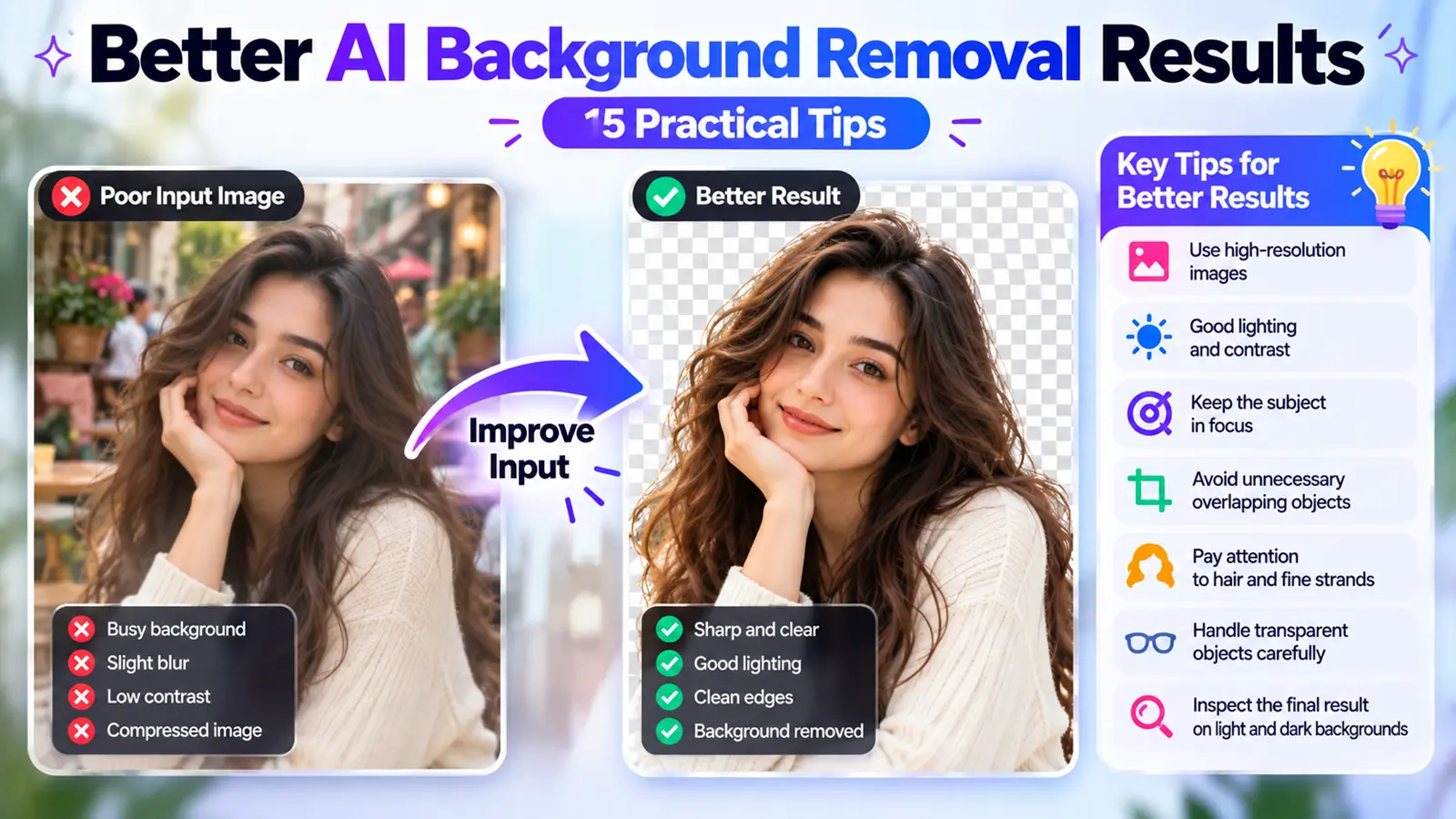
15 practical tips for cleaner AI background removal — resolution, lighting, contrast, hair, glass, shadows, and the right export format.
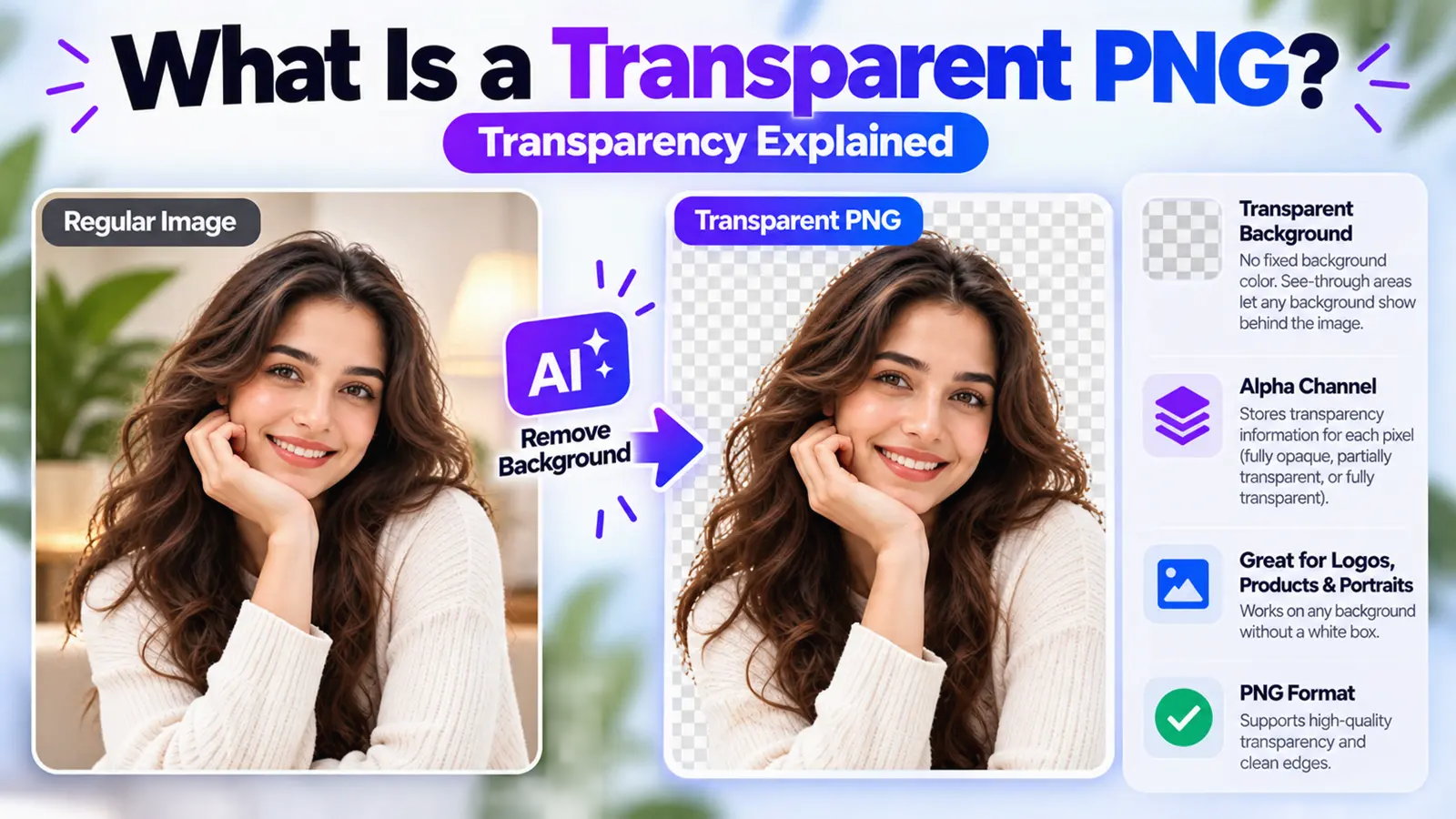
What is a transparent PNG? Learn how PNG transparency and the alpha channel work, why not every PNG is transparent, and how to create one.
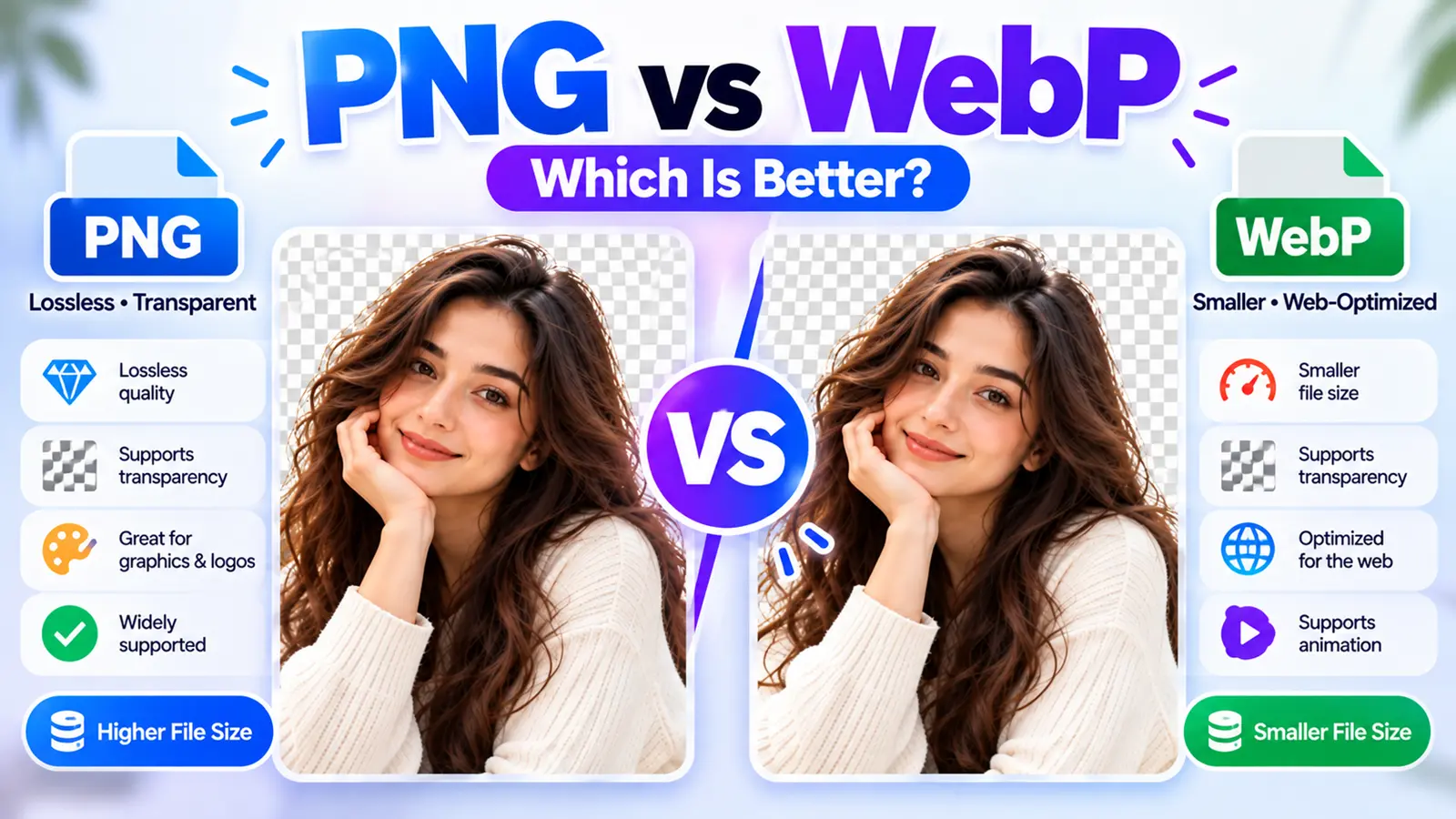
PNG vs WebP — compare quality, file size, transparency, browser support, and use cases to pick the right format for your images.
Remove a photo background on Android or iPhone — no app needed. Step-by-step browser method, built-in tools, saving a transparent PNG, and fixes.
Discover why transparent product photos improve trust, conversions and professional branding.