
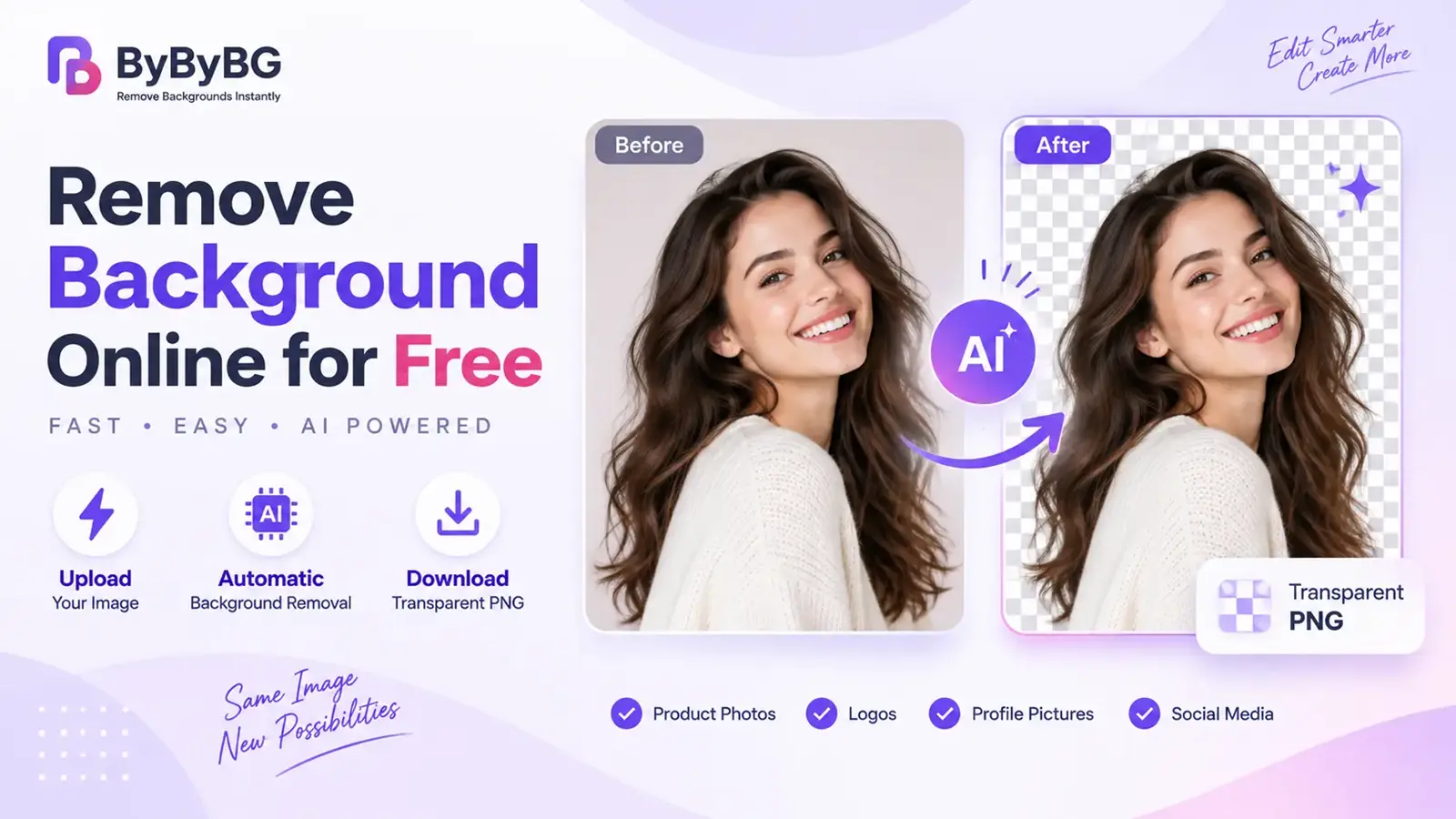
Ingin menghapus background gambar tanpa Photoshop? Gunakan penghapus background AI online untuk mengisolasi subjek secara otomatis dan membuat gambar transparan dalam hitungan detik. Cukup unggah foto, biarkan AI mendeteksi subjek, lalu unduh PNG yang bersih dan transparan — tanpa keahlian desain atau instalasi software.
Coba ByByBG Background Remover →
Pendahuluan
Dulu, menghapus background gambar berarti opening Photoshop, manually tracing around a subject with the pen tool, and spending several minutes on a single photo. Today, that process has largely been replaced by online AI background removers that can isolate a subject and produce a transparent image in a matter of seconds.
Panduan ini menjelaskan how to remove a background from an image online for free, how AI background removal actually works, and which image format to use once the background is gone. Whether you're preparing a product photo for an online store, cleaning up a profile picture, or making a logo background transparent, the same basic workflow applies: upload, let the AI detect the subject, remove the background, and download a transparent PNG — no Photoshop required.
Cara Menghapus Background Gambar Secara Online Gratis
Sebagian besar penghapus background online mengikuti alur dasar yang sama. Biasanya prosesnya seperti berikut:
1. Unggah gambar Anda. Pilih foto yang ingin diedit lalu unggah ke penghapus background.
2. Biarkan AI mendeteksi subjek. Tool menganalisis gambar secara otomatis, mengenali subjek utama, dan memisahkannya dari background.
3. Hapus background. Background dihapus secara otomatis sehingga menyisakan area transparan di belakang subjek.
4. Periksa tepi. Perbesar detail halus seperti rambut, bulu, atau tepi objek tipis untuk memastikan hasil potongan terlihat bersih.
5. Unduh gambar transparan. Simpan hasilnya, biasanya sebagai PNG, agar transparansi tetap terjaga.
Hapus Background Gambar Anda dengan ByByBG →
Apa Itu Penghapus Background Online?
Penghapus background online adalah tool berbasis web yang secara otomatis mengenali subjek utama dalam foto dan memisahkannya dari segala sesuatu di belakangnya. Tool menggunakan pengenalan gambar untuk mendeteksi batas subjek dan background, lalu menghapus background dan menggantinya dengan area transparan.
Hasilnya biasanya berupa file PNG dengan alpha channel, sehingga subjek dapat ditempatkan pada background apa pun — warna solid, foto lain, atau layout desain — tanpa kotak atau tepi yang terlihat.
Bagaimana Penghapus Background AI Bekerja?
Penghapusan background AI umumnya berlangsung dalam beberapa tahap. Memahami tahap ini membantu mendapatkan hasil yang lebih baik dan mengatasi hasil potongan yang kurang sempurna.
Unggah Gambar
Proses dimulai saat gambar diunggah ke tool dari perangkat, cloud drive, atau direct link.
Deteksi Subjek
Model AI menganalisis gambar untuk mengenali subjek utama — orang, produk, hewan, atau objek — dan membedakannya dari background.
Pemisahan Background
Setelah subjek terdeteksi, tool membuat mask yang memisahkan subjek dari background.
Penyempurnaan Tepi
Detail halus seperti rambut, bulu, atau tepi semi-transparan seperti kaca atau kain disempurnakan agar hasil potongan terlihat alami.
Pembuatan Gambar Transparan
Terakhir, area background dibuat transparan dan gambar dihasilkan sebagai file — biasanya PNG — yang mempertahankan transparansi.
Jenis Gambar Apa yang Bisa Dihapus Background-nya?
Penghapusan background dapat digunakan pada berbagai jenis gambar. Beberapa penggunaan yang paling umum meliputi:
Foto Produk
Sangat berguna untuk e-commerce, di mana produk sering membutuhkan background yang bersih dan konsisten di seluruh katalog atau toko.
Potret
Foto profil, headshot, dan foto bergaya ID ketika seseorang perlu dipisahkan dari background yang ramai atau mengganggu.
Logo
Menghapus warna background solid dari logo agar dapat ditempatkan pada permukaan atau material dengan warna berbeda.
Hewan Peliharaan dan Hewan
Foto hewan, di mana detail halus seperti bulu bisa lebih menantang tetapi model AI modern umumnya dapat menanganinya dengan baik.
Foto Pakaian dan Fashion
Mengisolasi pakaian atau aksesori dari background untuk katalog, listing, atau materi pemasaran.
Gambar Media Sosial
Membuat grafik, thumbnail, atau aset profil yang membutuhkan subjek dipisahkan dari foto aslinya.
Gambar Properti / Produk
Mengisolasi objek, furnitur, atau fitur properti untuk listing, presentasi, atau design mockup.
Mengapa Menghapus Background dari Gambar?
Salah satu keuntungan terbesar penghapusan background adalah fleksibilitas. Once the subject is isolated, you can place it on a different color, create a product listing image, add it to a marketing design, or reuse it across multiple platforms without recreating the original image.
Cara Membuat Background Gambar Transparan
Penghapusan background dan background transparan saling berkaitan but not always the same thing, depending on the workflow. Removing a background typically means isolating the subject from what's behind it. Making that background transparent means the removed area is stored as empty, see-through space rather than being filled in with a solid color.
Setelah background dihapus, saving the result in a format that supports transparency matters. PNG is generally useful here because it supports an alpha channel, which allows the transparent area to be preserved when the image is saved, shared, or placed on a new background.
Want to learn why PNG is usually preferred for transparent images? Read our guide to PNG vs JPG.
PNG vs JPG Setelah Menghapus Background
Setelah background dihapus, the format you choose to save the image in affects whether that transparency is actually preserved.
JPG tidak mendukung transparansi, so saving a transparent cutout as a JPG will not retain the transparent areas — they will typically be filled in with a solid color instead. If you need the transparent background to carry over, PNG (or a transparent WebP) is the appropriate choice.
PNG vs WebP untuk Gambar yang Background-nya Dihapus
PNG merupakan pilihan umum for background-removed images because it supports transparency and is widely compatible. WebP also supports transparency and can often produce a smaller file, which can be useful for websites. If compatibility is the main concern, PNG is usually the safer choice; if website performance and smaller files are priorities, transparent WebP may be worth considering.
Bisakah Menghapus Background Tanpa Photoshop?
Ya. Tool AI online modern can automatically detect the main subject in a photo and remove the surrounding background without requiring manual selection tools, layers, or masking — the kind of manual work traditionally associated with Photoshop. This makes background removal accessible to anyone, regardless of design experience.
Coba ByByBG →
Cara Menghapus Background Gambar di HP
Penghapusan background tidak terbatas pada komputer desktop. Many online background removers, including ByByBG, work directly in a mobile browser, so you can remove a background from your phone without installing a separate app.
1. Open ByByBG in your mobile browser.
2. Upload the image from your phone's gallery or camera.
3. Let the tool process the image.
4. Preview the result and check the edges.
5. Download the transparent image to your device.
Cara Menghapus Background Foto Produk
Foto produk adalah salah satu alasan paling umum people search for a background remover, since a clean, consistent background is often expected across an online store or marketplace listing.
Ini sangat berguna bagi penjual on platforms such as Amazon, Shopify, or Daraz, as well as independent e-commerce stores, catalogs, and advertisements. Marketplace image requirements — such as background color rules or minimum resolution — vary and change over time, so it's worth checking a platform's current guidelines directly rather than assuming they stay the same.
Cara Menghapus Background dari Potret
Potret juga merupakan penggunaan umum, particularly when a photo needs to look clean and professional without a distracting background.
• LinkedIn and professional profile photos
• CVs and resumes
• Social media profile pictures
• ID photos and design projects
Cara Menghapus Background Logo
Logo sering diberikan with a white or solid-colored background, which can look out of place when placed on a colored surface, product, or website section. Removing that background — and saving the result as a transparent PNG — allows the logo to be placed cleanly on any background color.
Menghapus background logo merupakan penggunaan umum when the logo needs to work across different backgrounds, packaging designs, or website sections. Saving the result as a transparent PNG makes it easier to reuse without a solid-colored box around it.
Bisakah Menghapus Background Gratis Tanpa Watermark?
Ini adalah salah satu pertanyaan paling penting people ask before choosing a background remover, since some free tools add a watermark or limit resolution unless you upgrade to a paid plan.
Ya, ByByBG memungkinkan Anda menghapus background gambar tanpa menambahkan watermark.
Apakah Aman Menghapus Background Secara Online?
Privasi merupakan kekhawatiran yang wajar when uploading personal or product images to any online tool. In general, it's worth understanding how an image-processing tool handles your files, including whether images are uploaded to a server, how long they're stored, and when they're deleted.
Dengan ByByBG, pemrosesan gambar mengikuti our stated privacy practices, and we recommend reviewing our privacy policy for the specifics of how uploaded images are handled and how long they're retained.
Apa yang Membuat Penghapusan Background Berkualitas Baik?
Penghapusan background yang baik harus mempertahankan the important details around the subject while removing unwanted areas cleanly. Look for natural edges around hair, fur, fingers, thin objects, and other fine details. A good result should also avoid leftover background patches, visible halos, or parts of the subject being accidentally removed.
Tips Mendapatkan Hasil Penghapusan Background yang Lebih Baik
• Use a clear subject. Photos where the subject is clearly distinguishable tend to produce cleaner cutouts.
• Avoid extremely blurry images. Sharper source images give the AI more detail to work with at the edges.
• Use sufficient resolution. Very low-resolution images can make fine edges harder to refine accurately.
• Ensure contrast with the background. A subject that stands out clearly from its background is easier for AI to detect precisely.
• Check hair and fine edges. Zoom in on detailed areas like hair or fur to confirm the cutout looks natural.
• Preview before downloading. Always review the result so you can catch any areas that may need a manual touch-up.
Bagaimana Jika Hasil Penghapusan Background Tidak Sempurna?
Penghapusan background AI tidak sempurna untuk setiap gambar. Problems are more likely when the subject blends into the background, the image is very blurry, lighting is poor, or fine details are difficult to distinguish. If the result is not clean, try a higher-resolution source image, improve the contrast between the subject and background, or use an image with a simpler background.
Apa Penghapus Background Online Gratis Terbaik?
Penghapus background gratis terbaik bergantung on factors such as cutout quality, supported image formats, transparency, processing speed, watermark policies, and privacy practices. For simple background removal, an online AI tool can be much faster than manual editing software.
ByByBG dirancang untuk memberikan a simple upload-and-remove workflow without requiring complex editing software.
Pertanyaan yang Sering Diajukan
Bagaimana cara menghapus background gambar secara online gratis?
Unggah gambar Anda ke penghapus background AI online, let it automatically detect the subject, and download the resulting transparent image — no software installation required.
Apa penghapus background gratis terbaik?
Pilihan terbaik bergantung pada kebutuhan Anda, but a good free background remover should be easy to use, produce a clean transparent output, and ideally avoid adding a watermark. ByByBG is built around this approach.
Bisakah saya menghapus background gambar tanpa Photoshop?
Ya. Penghapus background AI online dapat mendeteksi dan menghapus background secara otomatis tanpa manual selection tools atau software desain.
Bisakah saya menghapus background dari JPG?
Ya. JPG dapat diunggah to a background remover, and the subject will be extracted the same way as with other formats. The output is typically saved as a PNG so the transparency is preserved.
Bisakah saya membuat background JPG menjadi transparan?
Not directly. Standard JPG tidak mendukung transparansi. After removing the background, save the result as a PNG (or another format that supports an alpha channel) to keep the transparent area.
Format apa yang sebaiknya digunakan untuk background transparan?
PNG adalah pilihan yang paling kompatibel untuk gambar transparan. WebP juga mendukung transparansi dan dapat menghasilkan ukuran file lebih kecil pada website modern.
Bisakah saya menghapus background gambar di HP?
Ya. Banyak penghapus background online, including ByByBG, work in a mobile browser, so you can upload, process, and download images directly from your phone.
Bisakah saya menghapus background dari foto produk?
Ya. Foto produk adalah salah satu penggunaan paling umum untuk penghapusan background, terutama untuk listing e-commerce dan katalog.
Bisakah saya menghapus background logo?
Ya. Menghapus background logo dan menyimpannya sebagai PNG transparan memungkinkan logo ditempatkan pada warna background atau desain apa pun.
Apakah menghapus background mengurangi kualitas gambar?
Penghapusan background tidak selalu memerlukan heavy image compression, but the final result can be affected by the original image resolution, processing method, resizing, and output format. Using a high-quality source image and an appropriate output format can help preserve detail.
Bisakah saya menghapus background gambar tanpa watermark?
Ya, dengan ByByBG Anda dapat menghapus background gambar tanpa watermark ditambahkan pada hasil.
Apakah penghapusan background online aman?
Hal ini bergantung pada praktik privasi tool, including how images are processed and whether or how long they're stored. Review the tool's privacy policy for specifics before uploading sensitive images.
Bisakah AI menghapus background yang rumit?
Penghapus background AI modern umumnya dapat menangani background kompleks dan detail halus seperti rambut, tetapi hasil dapat berbeda tergantung kualitas gambar, kontras, dan seberapa jelas subjek berbeda dari sekitarnya.
Kesimpulan
Menghapus background gambar kini tidak lagi memerlukan Photoshop or design experience. An online AI background remover can detect a subject, isolate it from its background, and generate a transparent image in seconds — whether you're working with a product photo, a portrait, or a logo.
Once the background is removed, saving the result as a PNG or transparent WebP keeps the transparent area intact and makes the subject easy to reuse in new designs, product listings, and other projects.
Siap mencobanya sendiri? Hapus Background Gambar Anda dengan ByByBG →