
はじめに
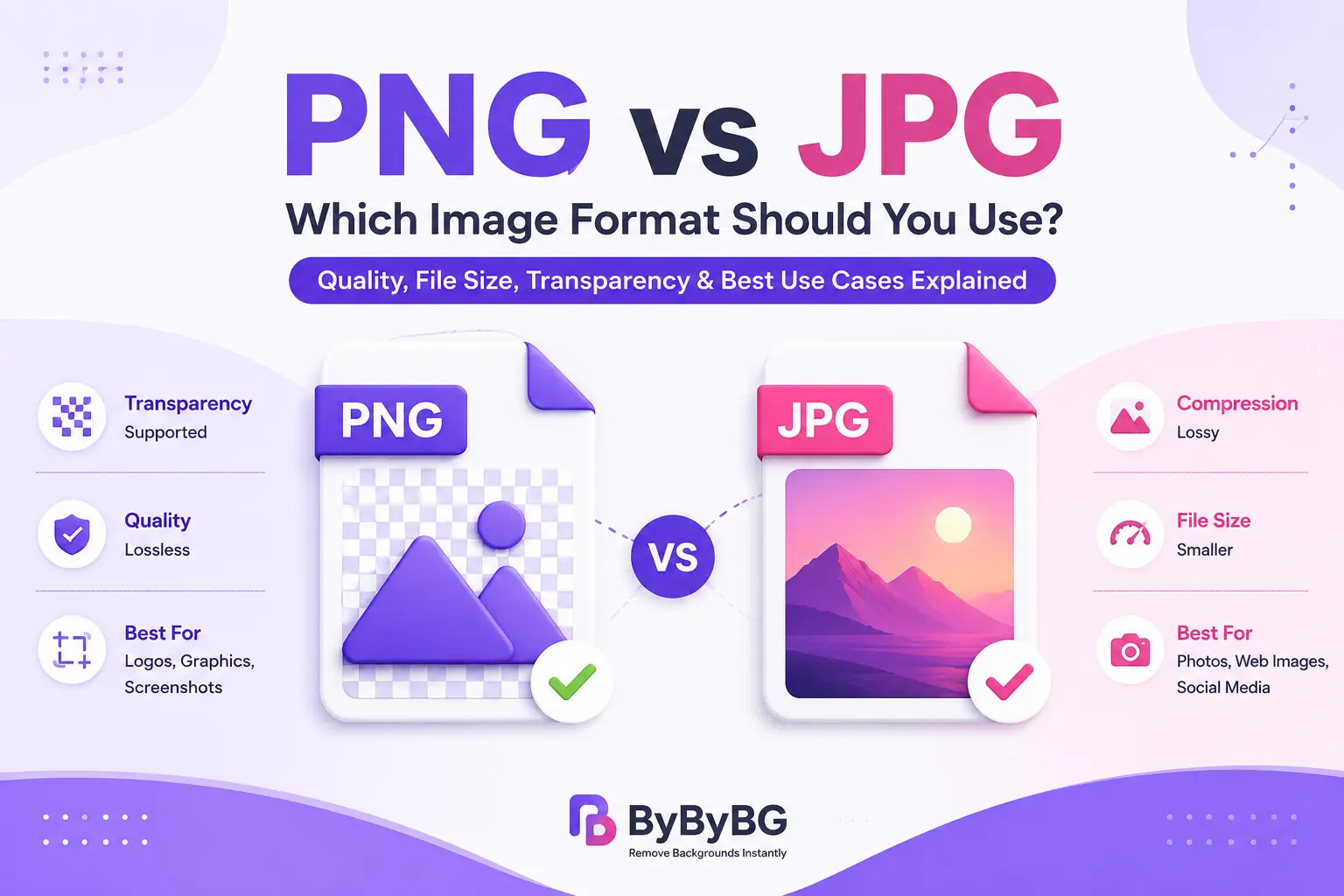
PNGとJPGは最も広く使われている画像形式の2つですが、それぞれ異なる目的向けに設計されています。 PNGは可逆圧縮を使用し、透明背景をサポートしているため、ロゴ、スクリーンショット、グラフィック、細部の鮮明さが必要な画像に適しています。 JPGは非可逆圧縮でファイルサイズを小さくするため、写真やファイルサイズが重要な画像に特に適しています。
では、どちらの形式を選ぶべきでしょうか?それは作成する画像の用途によって異なります。 透明性が必要な場合や、シャープなグラフィックの細部を保持したい場合は、通常PNGが適しています。 写真を扱い、読み込みの速い小さなファイルが必要なら、JPGが適していることが多いです。 モダンなWebサイトでは、ブラウザー対応と圧縮効率を重視する場合、WebPやAVIFも検討する価値があります。
適切な画像形式を選ぶことは、ファイルサイズ、見た目の品質、ページ読み込み性能、編集時の画像の扱いやすさに影響します。 PNGとJPGの長所と制約を理解すれば、すべての画像に同じ形式を使うのではなく、用途に合った形式を選びやすくなります。
重要なポイント
PNGは可逆圧縮を使用するため、PNGとして保存しても圧縮処理によって画像データが失われません。 特に、ロゴ、スクリーンショット、グラフィック、シャープな輪郭や細かなディテールが重要な画像に適しています。
JPGは非可逆圧縮を使用し、一部の画像情報を削除することでファイルサイズを小さくします。 適切な圧縮レベルを選べば、特に写真では画質とファイルサイズのバランスを良好に保てます。
PNGは、ロゴ、スクリーンショット、インターフェース用グラフィック、透明性が必要な画像に適しています。 JPGはアルファチャンネルをサポートしていないため、本当の透明背景を保存できません。
JPG is commonly used for photographs because its lossy compression can produce much smaller files than an equivalent uncompressed or lossless image. This makes it useful when download size and storage efficiency matter.
PNGとJPGのどちらを選ぶかは、必要な画質、ファイルサイズ、透明性の有無など、画像の用途によって決まります。
PNG vs JPG(JPEG):違いは何?
PNGとJPGの最大の違いは、画像データの圧縮方法です。 PNGは可逆圧縮、JPGは非可逆圧縮を使用します。 この違いは、画質、ファイルサイズ、編集、透明性に影響します。
圧縮:PNGは可逆圧縮、JPGは非可逆圧縮を使用します。
画質:PNGは圧縮時に画像データを保持しますが、JPGはファイルサイズを小さくするために一部のデータを削除します。
ファイルサイズ:特に写真ではPNGの方が大きくなることが多く、JPGは通常、写真画像をより小さくできます。
透明性:PNGは透明背景に対応していますが、JPGは対応していません。
主な用途:PNGはグラフィック、ロゴ、スクリーンショット、透明画像に適しています。JPGは一般的に写真に適しています。
繰り返し編集:PNGは何度保存しても非可逆圧縮による劣化が発生しません。JPGは開いて再保存するたびに画質がさらに低下する可能性があります。
PNG vs JPGをひと目で比較
PNG
- 可逆圧縮
- 透明性に対応
- 通常はファイルサイズが大きい
- ロゴやグラフィックに最適
- スクリーンショットに最適
- 画像データを保持
JPG
- 非可逆圧縮
- 透明性には非対応
- 通常はファイルサイズが小さい
- 写真に最適
- Web用写真に適している
- 一部の画像データが削除される
PNG and JPG make different trade-offs. PNG preserves image data through lossless compression, which is useful when you need clean edges, text, or transparency. JPG reduces file size by using lossy compression, making it more practical for many photographs. The amount of JPG compression matters: stronger compression generally creates smaller files but can also introduce visible artifacts.
簡単な例
Imagine you have two images: a product photo with a plain background and a company logo with transparent areas. The product photo may work well as a JPG because it contains many colors and does not need transparency. The logo is better suited to PNG because its transparent areas and sharp edges need to be preserved. If both images are being delivered on a modern website, WebP may also be worth testing for smaller file sizes.
PNGはいつ使うべき?
PNGは、最小のファイルサイズよりもディテールや透明性を保持することが重要な場合に特に役立ちます。 シャープな輪郭、文字、単純な色領域、透明背景を含むグラフィックに特に適しています。
透明画像にはPNGを使用
透明背景が必要な場合、特にオーバーレイ、グラフィック、デザイン用途ではPNGが適しています。
ロゴにはPNGを使用
PNGは非可逆圧縮を使わずにシャープな輪郭や細部を保持できるため、ロゴに適しています。
スクリーンショットにはPNGを使用
スクリーンショットには文字やUI要素が含まれることがあり、PNGならそれらを鮮明に保てます。
文字やシャープなグラフィックにはPNGを使用
PNGは可逆圧縮によってシャープな輪郭や細部を保持できるため、文字を含む画像に適しています。
商品切り抜き画像にはPNGを使用
PNG is also useful for product cutouts when the image needs a transparent background. This allows the same product image to be placed over different backgrounds without adding a solid-colored box around it.
JPG(JPEG)はいつ使うべき?
写真を扱い、ファイルサイズを比較的小さく保ちたい場合、JPGは実用的な選択肢です。 Because photographs contain many colors, gradients, and subtle details, lossy compression can reduce their file size considerably while maintaining acceptable visual quality at a suitable compression level.
写真にはJPGを使用
JPGは、多くの色やグラデーションを含む実写画像に適しています。
ブログ画像にはJPGを使用
ファイルサイズを小さくすると、Webページの読み込み速度の改善に役立ちます。
ファイルサイズを重視するならJPGを使用
画像データを可逆で保持することより小さなファイルサイズが重要な場合、JPGはストレージ効率に優れています。
SNS画像にはJPGを使用
JPG can be a practical choice for social media images when you want to keep the uploaded file reasonably small. Keep in mind that many social platforms process and recompress uploaded images themselves.
PNG vs JPG:どちらの画質が優れている?
PNGだからといって、必ずJPGより見た目が良くなるわけではありません。 重要な違いは、圧縮時にどれだけ画像データが保持されるかです。 PNGは可逆圧縮を使用するため、PNGエンコード処理に入る画像データを保持します。 JPGは非可逆圧縮を使用するため、ファイルサイズを小さくする目的で一部の情報が削除されます。
For screenshots, logos, text-heavy graphics, and transparent images, PNG can preserve sharp edges particularly well. For photographs, a properly compressed JPG can look very good while being substantially smaller. At high levels of JPG compression, artifacts such as blockiness, ringing, or loss of fine detail can become noticeable.
PNG vs JPG:どちらのファイルサイズが小さい?
JPG is often smaller than PNG when both are used for photographs, but there is no fixed file-size difference for every image. File size depends on the image content, dimensions, color complexity, compression settings, and the particular encoder used.
For example, a photograph may become much smaller as a JPG, while a simple graphic with large areas of solid color may compress efficiently as a PNG. That is why comparing the actual exported files is more useful than assuming one format will always be smaller.
WebサイトではPNGとJPGのどちらが適している?
For websites, the best image format depends on the type of image and the balance between quality, file size, compatibility, and browser support. Large image files can increase download time, so choosing an efficient format is one part of image optimization.
JPG remains a practical choice for photographs when broad compatibility and smaller file sizes are important. PNG is better suited to transparent graphics, screenshots, logos, and images where lossless quality matters. For many modern websites, WebP and AVIF can provide better compression than traditional PNG and JPG, although the best choice still depends on the image and the browser-support requirements.
画像サイズ、圧縮設定、レスポンシブ画像、フル解像度が本当に必要かどうかといった要素も重要です。
背景を削除した後はどの画像形式を使うべき?
画像の背景を削除した後に最適な形式は、その画像をどのように使用するかによって異なります。
透明背景が必要? → PNGまたはWebP
最大限の互換性が必要? → PNG
モダンなWebサイト向けに小さいファイルが必要? → WebP
透明性が不要な写真画像が必要? → JPGまたはWebP
さまざまな背景で使う商品切り抜きが必要? → PNGまたは透明WebP
If the background has been removed and the subject needs to be placed over different colors, designs, or product layouts, transparency becomes important. PNG is a widely compatible choice, while WebP can also store transparency and may produce a smaller file.
PNG vs JPG(JPEG)vs WebP:どれを選ぶべき?
PNG vs JPG vs WebP
PNG
- 透明性に対応
- 可逆圧縮
- ロゴやスクリーンショットに最適
- 通常はファイルサイズが大きい
JPG / WebP
- JPGは写真に最適
- WebPは非可逆圧縮と可逆圧縮の両方に対応
- WebPは透明性に対応
- WebPはより小さいファイルを生成できる
WebP is a modern image format that supports both lossy and lossless compression, as well as transparency. It can often produce smaller files than comparable PNG or JPG images while maintaining good visual quality. This makes WebP useful for modern websites, although PNG and JPG can still be preferable when compatibility, editing workflows, or specific image requirements make them a better fit.
AVIFはどう?
AVIF is another modern image format designed to provide efficient compression while supporting features such as transparency and high color depth. It can offer smaller files than JPEG and PNG in many situations, making it attractive for performance-focused websites. However, choosing an image format should also take browser support, fallback options, editing workflows, and the type of image into account.
For a website, you do not necessarily need to replace every PNG or JPG with AVIF. The practical approach is to test formats with real images and use the one that provides the best combination of visual quality, file size, and compatibility.
PNG vs JPG(JPEG):どちらを選ぶべき?
PNGを選ぶ場合:
透明背景が必要。
画像に文字やシャープなグラフィックの輪郭が含まれている。
ロゴ、アイコン、スクリーンショット、UIグラフィックを扱っている。
可逆圧縮を使用したい。
JPGを選ぶ場合:
写真を保存する。
透明性が不要。
ファイルサイズを小さくしたい。
写真画像で広く対応している形式が必要。
WebPを選ぶ場合:
モダンなWebサイト向けに画像を最適化している。
透明性に対応しつつ高効率な圧縮を使いたい。
必要に応じて適切なフォールバックを利用できる。
AVIFを検討する場合:
ファイルサイズの効率を最優先したい。
配信環境がAVIFを安定してサポートしている。
必要な場合に適切なフォールバックを用意できる。
PNGをJPG(JPEG)に変換する方法
Converting PNG to JPG is useful when you no longer need transparency and want a smaller photographic file. The general process is:
PNG画像を開くかアップロードします。
出力形式としてJPG/JPEGを選択します。
適切な画質または圧縮レベルを選択します。
変換後の画像に目立つ圧縮ノイズがないか確認します。
JPGファイルを保存またはダウンロードします。
Keep in mind that converting a PNG to JPG removes transparency and introduces lossy compression. If you may need the original transparent version later, keep the PNG as your master copy.
JPG(JPEG)をPNGに変換する方法
Converting JPG to PNG can be useful when you need a PNG workflow or want to edit the image without applying another round of JPG compression. However, converting a JPG to PNG does not restore the image data that was already lost when the JPG was compressed.
JPG画像を開くかアップロードします。
出力形式としてPNGを選択します。
必要な編集を行います。
PNGを保存またはダウンロードします。
If you need a transparent background, the image itself must have transparency added during editing or background removal. Simply converting a JPG to PNG does not automatically make its background transparent.
まとめ
PNG and JPG are both useful image formats, but they solve different problems. PNG is a strong choice for transparent images, logos, screenshots, and graphics where sharp details and lossless compression matter. JPG is generally more suitable for photographs because it can produce much smaller files while maintaining good visual quality at an appropriate compression level.
For websites, the choice should not be based on file extension alone. Consider the image type, required dimensions, compression level, transparency needs, browser compatibility, and page performance. WebP and AVIF are also worth considering when you want more efficient image delivery.
The simplest rule is this: use PNG when transparency or lossless detail is important, JPG when you need an efficient format for photographs, and consider WebP or AVIF when modern web performance is the priority.